The replay on Samsung TV relies on the Tizen ecosystem and its integrated app store. Accessing on-demand programs requires mastering a few technical points related to the model, software version, and available applications. This guide covers the concrete manipulations and common blocking cases.
Tizen Compatibility and Software Version: Check Before Installing
The primary source of failure when installing a replay application is a hardware or software compatibility issue. Samsung specifies that supported applications vary by model and firmware version. Before any attempt, you need to accurately identify the TV model and the installed version of Tizen.
To do this, go to the Settings menu, then Support, then About this TV. Note the model number (format UExxTUxxxx or QExxQNxxxx) and the displayed software version. This information allows you to check on the Samsung website if a given application is listed for your device.
An older TV may no longer receive certain replay applications, even if the Tizen system is still functioning. Samsung announces up to seven years of One UI Tizen updates for models launched from 2023, but this promise pertains to the system, not to each channel application. A model from 2017 or 2018 may therefore display a functional Smart Hub while being incompatible with the latest versions of myTF1, France.tv, or 6play.
We recommend always searching for the application directly in the integrated store rather than relying on a generic compatibility list. If the application does not appear in the store’s search results, the model is likely no longer supported by the publisher.
A detailed guide explains how to watch the replay on Samsung TV using TF1 as an example, with specific manipulations for each generation of Smart Hub.
Installing and Configuring Replay Applications on Samsung Smart TV
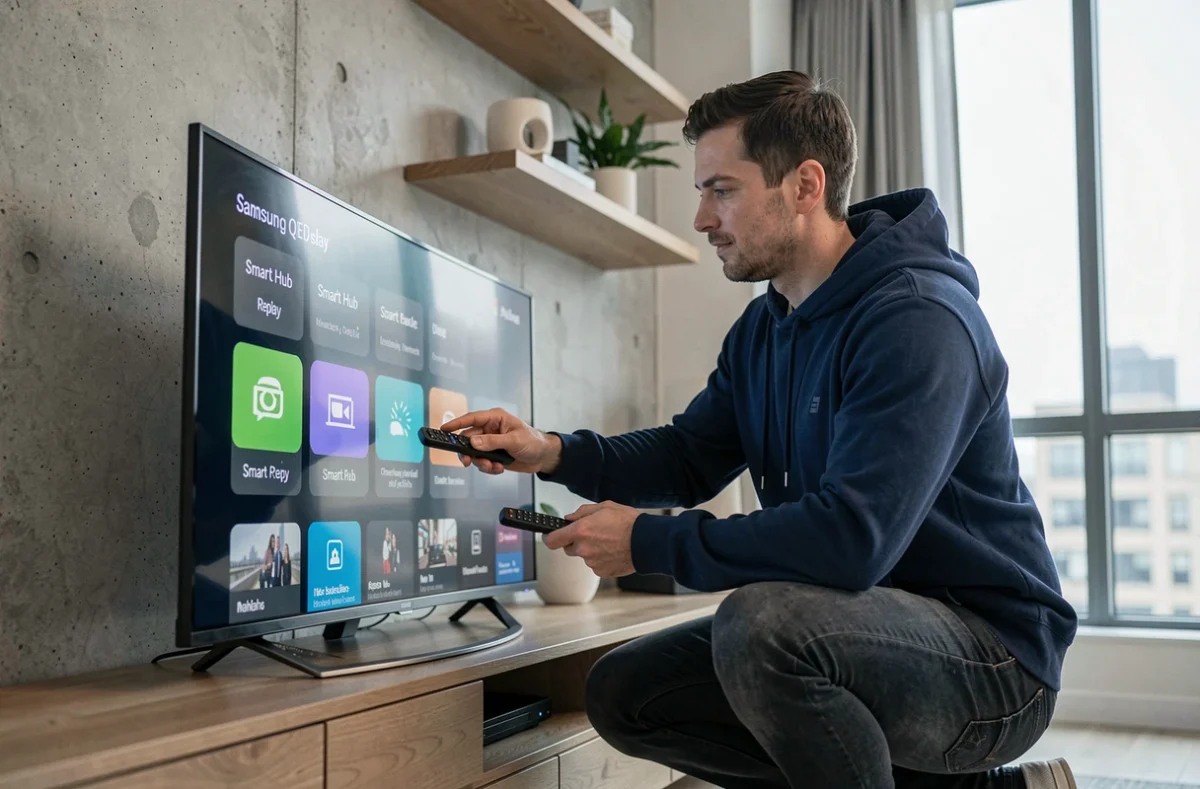
Once compatibility is verified, installation goes through the Samsung Apps Store accessible from the home screen. Press the Home button on the remote, then navigate to the Apps section (or Applications depending on the version of Tizen).
Search and Download a Replay Application
In the store, use the search function by entering the exact name of the desired application: myTF1, France.tv, 6play, Arte, or M6+. Select the application from the results, then press Install.
After installation, the application appears in the quick access bar at the bottom of the home screen. If it’s not there, open the full Apps menu to find it and manually add it to your favorites.
Authentication and User Account
Most replay applications require creating an account or logging in. There are two methods depending on the application:
- Direct login on the TV via the remote’s virtual keyboard (slow but functional)
- Activation by code: the application displays a code to enter in a web browser from a smartphone or computer, which avoids tedious entry on the virtual keyboard
- Login via Samsung account if the application supports Tizen SSO (Single Sign-On)
Code activation is the most reliable method to avoid input errors. It is offered by France.tv and myTF1, among others.
Samsung TV Replay: Resolving Common Issues
Three situations frequently arise when a replay program refuses to launch or an application becomes unresponsive.
The application closes or freezes
Start by clearing the application cache. Go to Settings, then Support, then Device Management, then Storage. Select the relevant application and choose Clear Cache. If the problem persists, uninstall and then reinstall the application.
The replay program displays a black screen
This symptom usually points to a network issue. Check that the Wi-Fi or Ethernet connection is stable by running a network test from Settings, then General, then Network, then Network Status. Insufficient bandwidth can cause interruptions or a black screen when launching the video stream.
The application no longer appears in the store
If a replay application you were using disappears from the store, it means the publisher has stopped maintaining it for your generation of Tizen. Resetting the Smart Hub will not change anything. The only alternative is to use an aggregation application or an external device like Chromecast or Amazon Fire TV Stick connected via HDMI.
Alternatives to the Integrated Store When the Samsung Model is Too Old
On Samsung TVs prior to 2020, the catalog of available applications is gradually shrinking. Several solutions allow you to maintain access to replay without changing your TV.
- Connect a streaming device (Chromecast, Fire TV Stick, Apple TV) to an available HDMI port and install the replay applications on it
- Use Samsung TV Plus, the free pre-installed service that offers some channels live and on-demand without additional installation
- Stream content from a smartphone via the Screen Mirroring or SmartView function built into Samsung TVs
The external device remains the most sustainable solution for a TV that no longer receives application updates. It benefits from its own update cycle, independent of the TV’s firmware.
Screen Mirroring works as a workaround, but the image quality depends on the local Wi-Fi network, and latency can make the experience less smooth than a native application.
Accessing replay on Samsung TV primarily depends on the generation of the TV and the support policy of each application publisher. Checking the model’s compatibility before any manipulation helps avoid wasting time on unnecessary resets. For older devices, an external HDMI box extends the TV’s lifespan without compromising the available replay catalog.